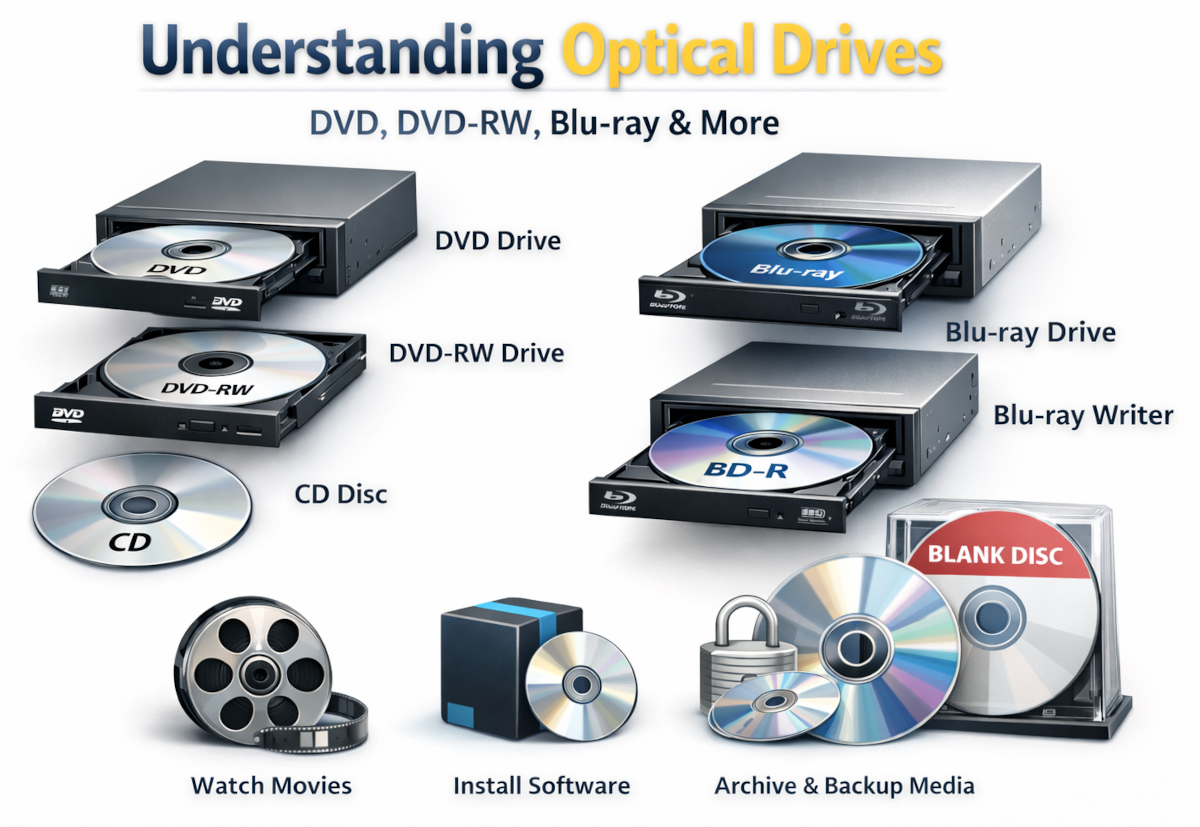
Optical drives—such as DVD and Blu-ray drives—were once standard in nearly every computer. While many modern systems no longer include them by default, optical drives can still be useful depending on how you plan to use your system. This guide explains the different types of optical drives and helps you decide whether adding one to your custom-built PC makes sense for you.
An optical drive reads (and sometimes writes) data using a laser and removable discs such as CDs, DVDs, or Blu-ray discs. These drives are commonly used for media playback, software installation, data backups, and accessing older archives.
When configuring a custom PC, optical drives are typically optional—so understanding the differences can help you choose the right one, or confidently skip it altogether.
A standard DVD drive allows you to read DVDs and CDs, but it cannot write or record data. This option is best suited for users who need to:
If you only need occasional disc access and don’t plan to create discs, a DVD read-only drive may be sufficient.
A DVD-RW drive can both read and write DVDs and CDs. This makes it a more flexible option for users who want to:
DVD-RW drives are a popular choice for business users, legacy workflows, or anyone who still relies on physical media.
Blu-ray drives support high-capacity optical discs and are commonly used for high-definition movie playback and large data storage. In addition to Blu-ray discs, these drives are typically backward compatible with DVDs and CDs.
Blu-ray writers add the ability to record and rewrite Blu-ray discs, offering much higher capacity than DVDs. These drives are useful for:
If you need reliable, offline storage or work with large media files, a Blu-ray writer can be a powerful addition.
Many modern users no longer require optical drives thanks to USB flash drives, cloud storage, and digital downloads. However, you may still want an optical drive if you:
When configuring a custom PC, optical drives can be installed internally (space permitting) or used externally via USB. External drives offer flexibility and portability, while internal drives provide a clean, always-connected solution.
If you’re unsure, many customers choose to omit an internal optical drive and add an external USB drive later only if needed.
If you’re not sure whether an optical drive makes sense for your system, we’re happy to help. Our custom-built systems can be configured with or without optical drives, and we can recommend the best option based on your workflow and needs.