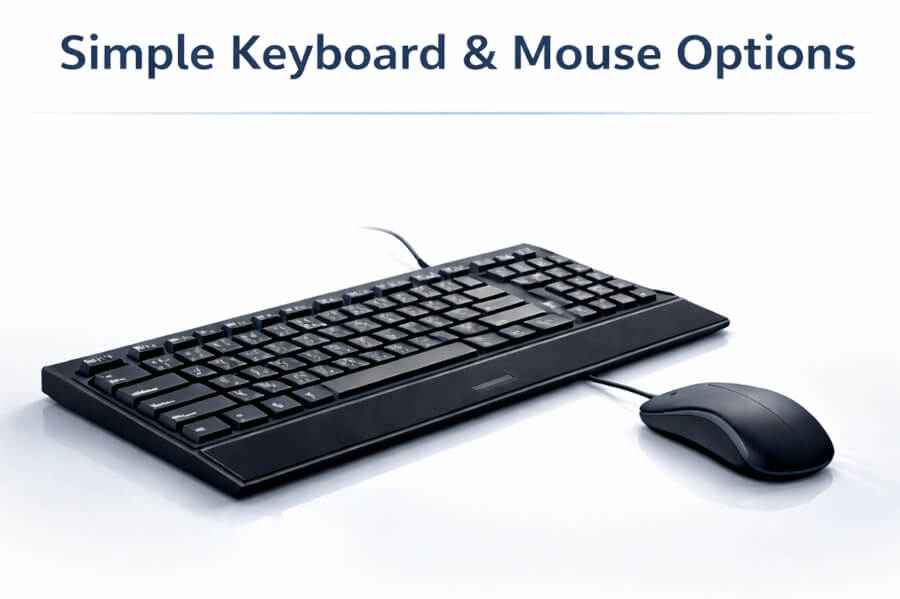
Keyboards and mice are personal choices. We include a basic option for setup and testing, but encourage you to choose the perfect peripherals for your workflow.
Keyboards and mice are human interface devices. How they feel, respond, and fit your workflow is highly subjective. With thousands of options—mechanical vs. membrane, ergonomic vs. traditional, wired vs. wireless—there’s no single “best” choice for everyone.
Rather than guessing what you’ll like, we keep our options simple and encourage you to pick peripherals that match your hands, comfort preferences, and daily tasks.
The keyboard and mouse options we offer are designed to be reliable, straightforward, and functional. They’re meant to help you power on your new system, complete initial setup, and confirm everything is working properly right out of the box.
We recommend shopping around and choosing the keyboard and mouse that feel right to you—whether that’s a specific mechanical switch type, a split ergonomic keyboard, a precision productivity mouse, or a gaming-focused setup.
Wireless peripherals can be convenient, but some Bluetooth keyboards and mice may introduce input latency, connection delays, or power-saving wake lag. On a high-performance system, that can make the computer feel less responsive than it actually is.
Our goal is to deliver a thoroughly tested, ready-to-use system while giving you the freedom to choose the input devices that best match your needs. Keeping keyboard and mouse options simple helps avoid unnecessary cost and ensures you can select peripherals you truly enjoy using.